On this page
Many schools still send a printed or written diary home. The Diary and report tab builds it from the homework teachers posted, so the class teacher prints it instead of writing it out.
Steps
- Open Homework > Diary and report.
- Choose a class and the Diary date.
- Check the diary. Diary of the date lists everything given to the class that day, subject by subject. If nothing was posted, you see "No homework was given on this date".
- Choose the paper and click Print diary.
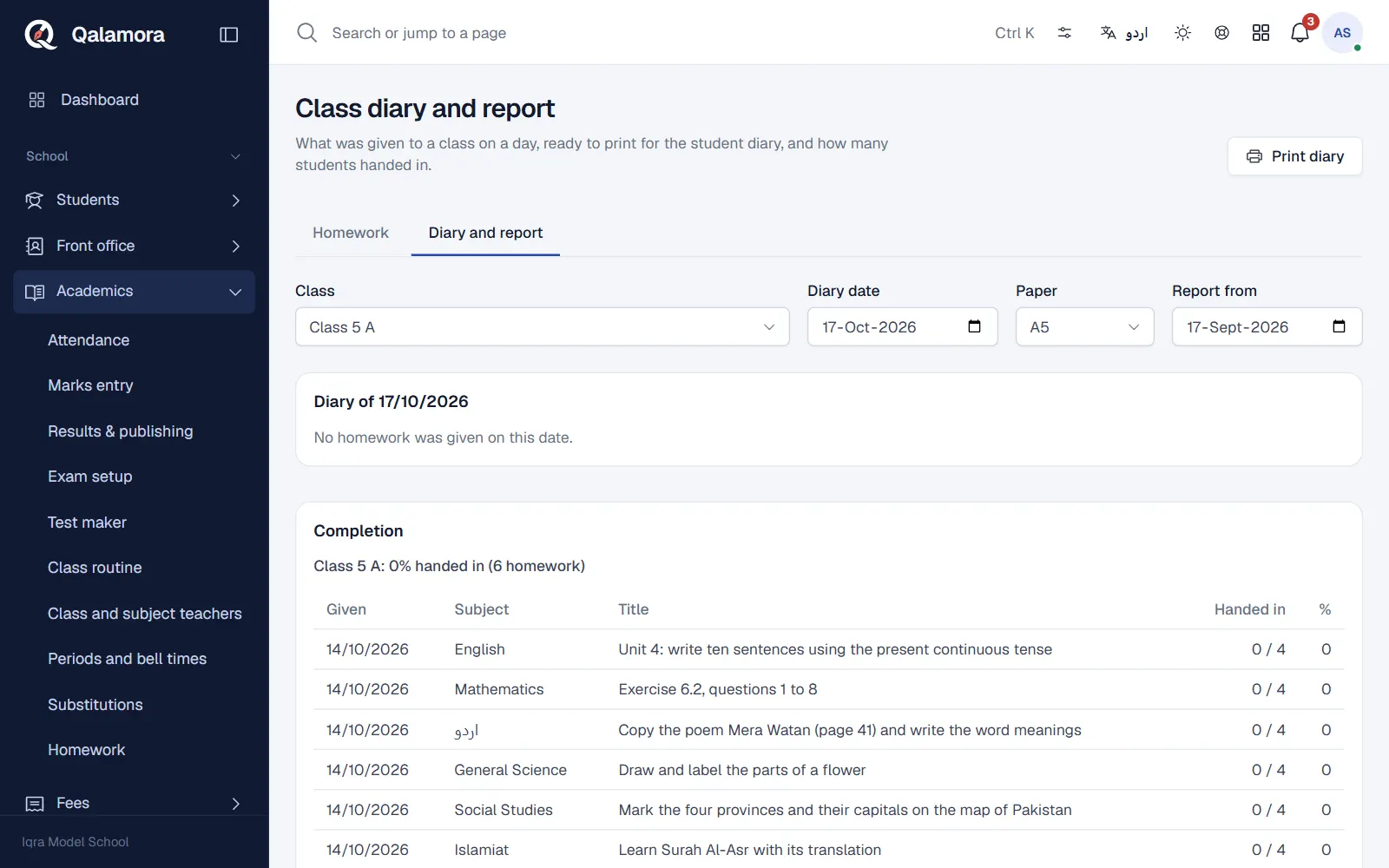
Completion report
Below the diary, set Report from to see Completion for the period: for each section, how much homework was Given and what percentage was Handed in. It is a quick way for the principal to see which classes are falling behind.
Related
Was this page helpful?
Good to hear. Your answer is not sent or saved.
Sorry about that. Tell us what was missing and we will improve this guide. Tell us