Parents prefer one challan. When the Transport or Library module is on, their charges can be billed on the monthly fee challan, under a fee head you choose. Fees still owns billing and collection; the other module decides the amount.
Steps
- Create the fee heads. In Fees > Fee setup > Fee heads add heads such as "Transport fee" and "Library fine".
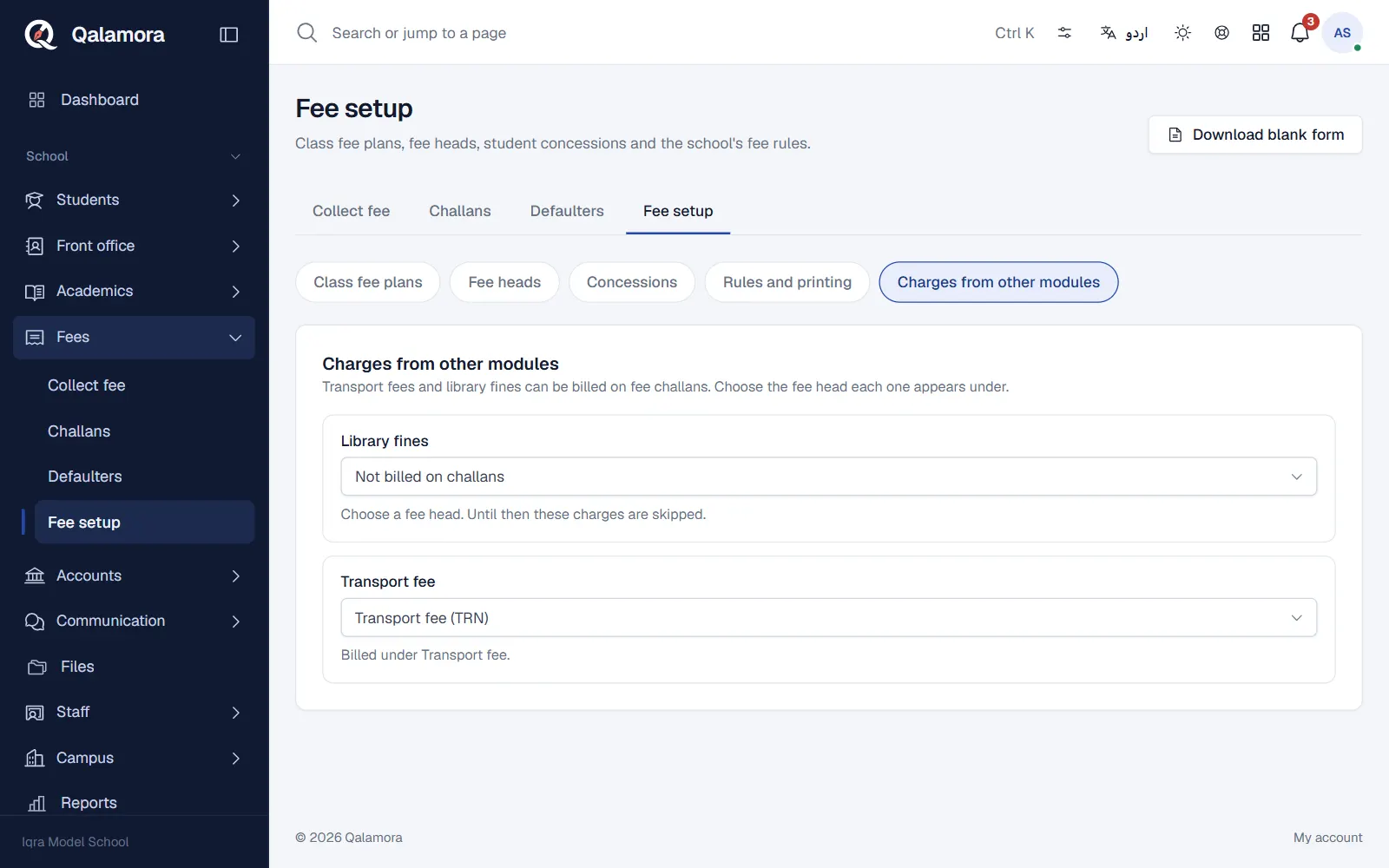
- Open Charges from other modules. In Fees > Fee setup click Charges from other modules. Each switched-on module that can add charges is listed.
- Choose the fee head. Pick the fee head each module's charges are Billed under. Until you choose one, those charges are skipped.
- Generate challans as usual. The preview in Generate challans shows module charges by fee head, and lists any that will be skipped with the reason.
Transport fees
- The monthly fee comes from the student's stop on their route.
- Only active students with a seat are billed. Leavers and removed seats are not charged.
- Your transport settings decide whether a student who joins mid-month pays the full month or only the days from joining.
- Each student is billed once per month, so generating again never bills twice.
Library fines
Library fines are collected at the library desk by default. If the library is set to send fines to the challan, unpaid fines are billed on the next challan instead.
When a charge is skipped
The preview names the reason: No fee head chosen, Fee head switched off or Different currency. Fix it in Fee setup, then preview again.
Note
Changing a student's stop after a challan is issued does not change that challan. Use a challan change request.
Related
Was this page helpful?
Good to hear. Your answer is not sent or saved.
Sorry about that. Tell us what was missing and we will improve this guide. Tell us