Open any student from Students to see their profile. The profile is the student's file: personal details and guardians first, then a tab for each part of the school that has records about them.
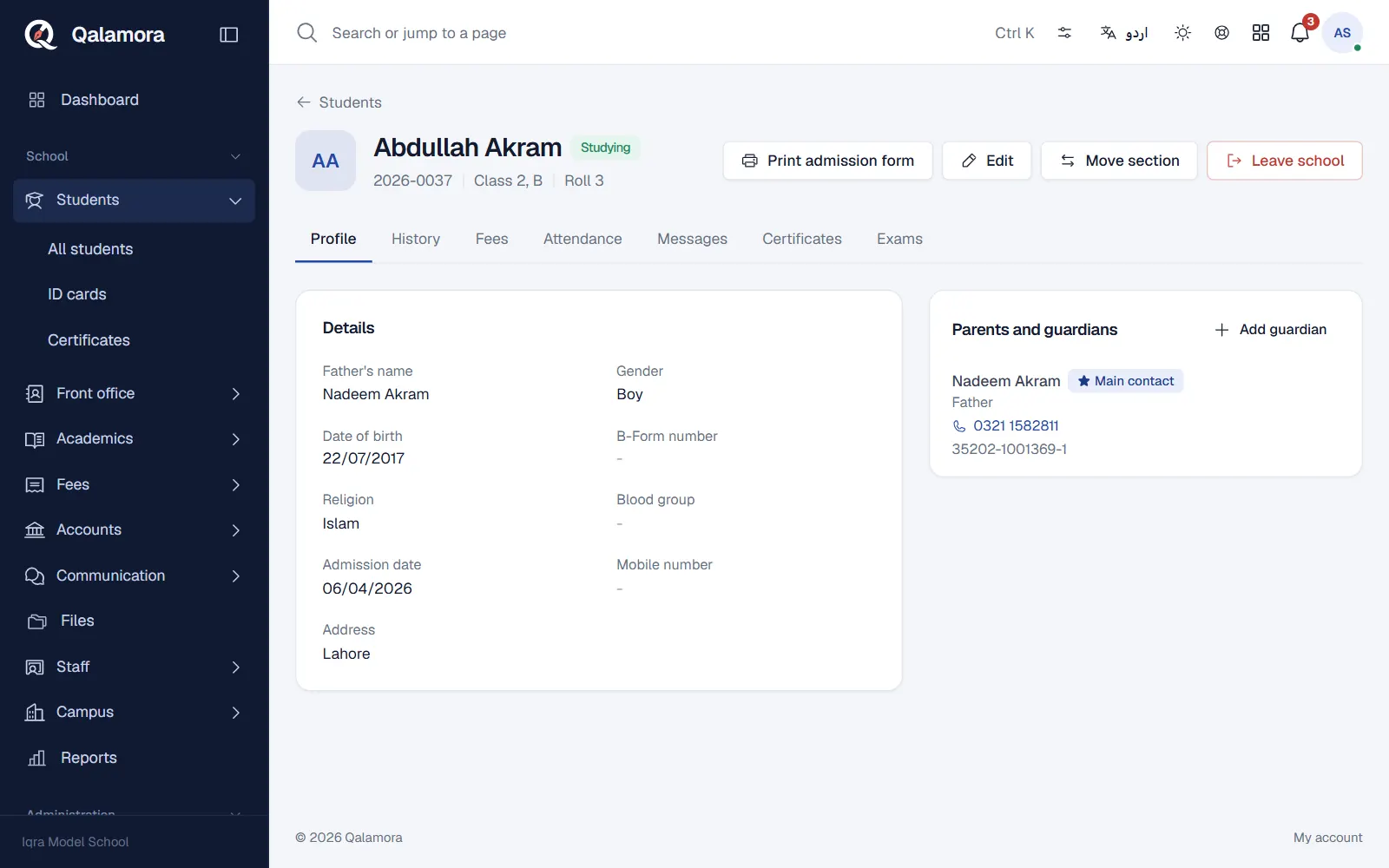
What is on the profile
- Profile: name, father's name, GR number, class and section, date of birth, B-Form number, address, photo and health notes.
- Parents and guardians: each linked guardian with relation and phone. One is the Main contact, who receives messages. Use Add guardian to link another parent, Make main contact for messages to change who is contacted, or Unlink to remove a guardian (they stay linked to brothers and sisters).
- History: admission, promotions, section moves, leaving and re-admission, each with date and who did it.
- Module tabs: switched-on modules add their own tabs, for example Fees (challans and receipts), attendance, results and files.
Actions on the profile
- Edit the student's details.
- Print admission form for a filled admission form.
- Move section to move the student to another section or campus in this session.
- Leave school to strike off or pass out a student. See Leaving and School Leaving Certificate.
- Re-admit a student who left earlier.
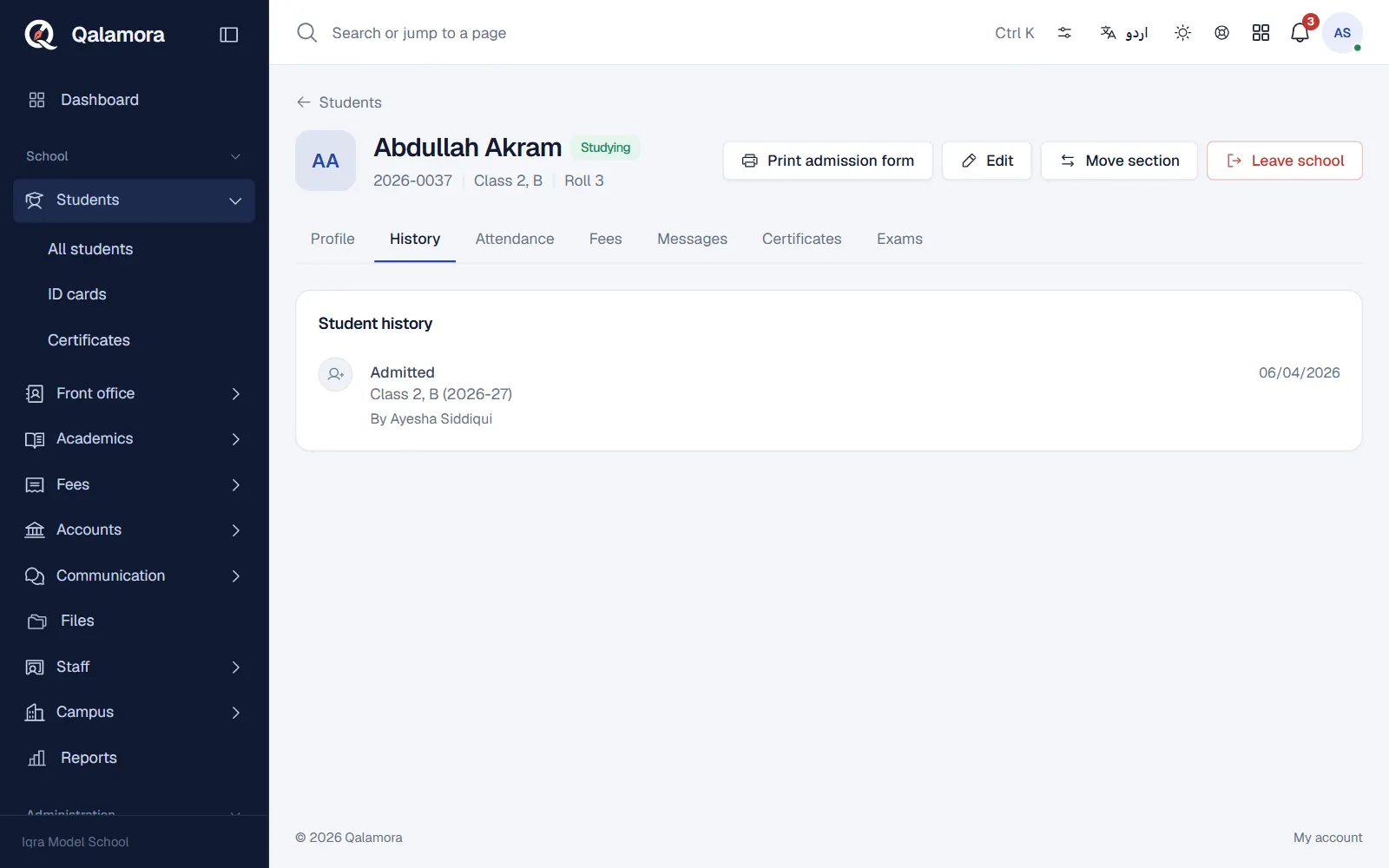
Who sees what
Sensitive fields such as B-Form and CNIC numbers are stored encrypted. Medical notes are visible only to staff who manage students. Parents see only their own child, in their own login.
Tip
Search the student list by name, GR number or father's name, and filter by class and section, to open a profile quickly.
Related
Was this page helpful?
Good to hear. Your answer is not sent or saved.
Sorry about that. Tell us what was missing and we will improve this guide. Tell us