اس صفحے پر
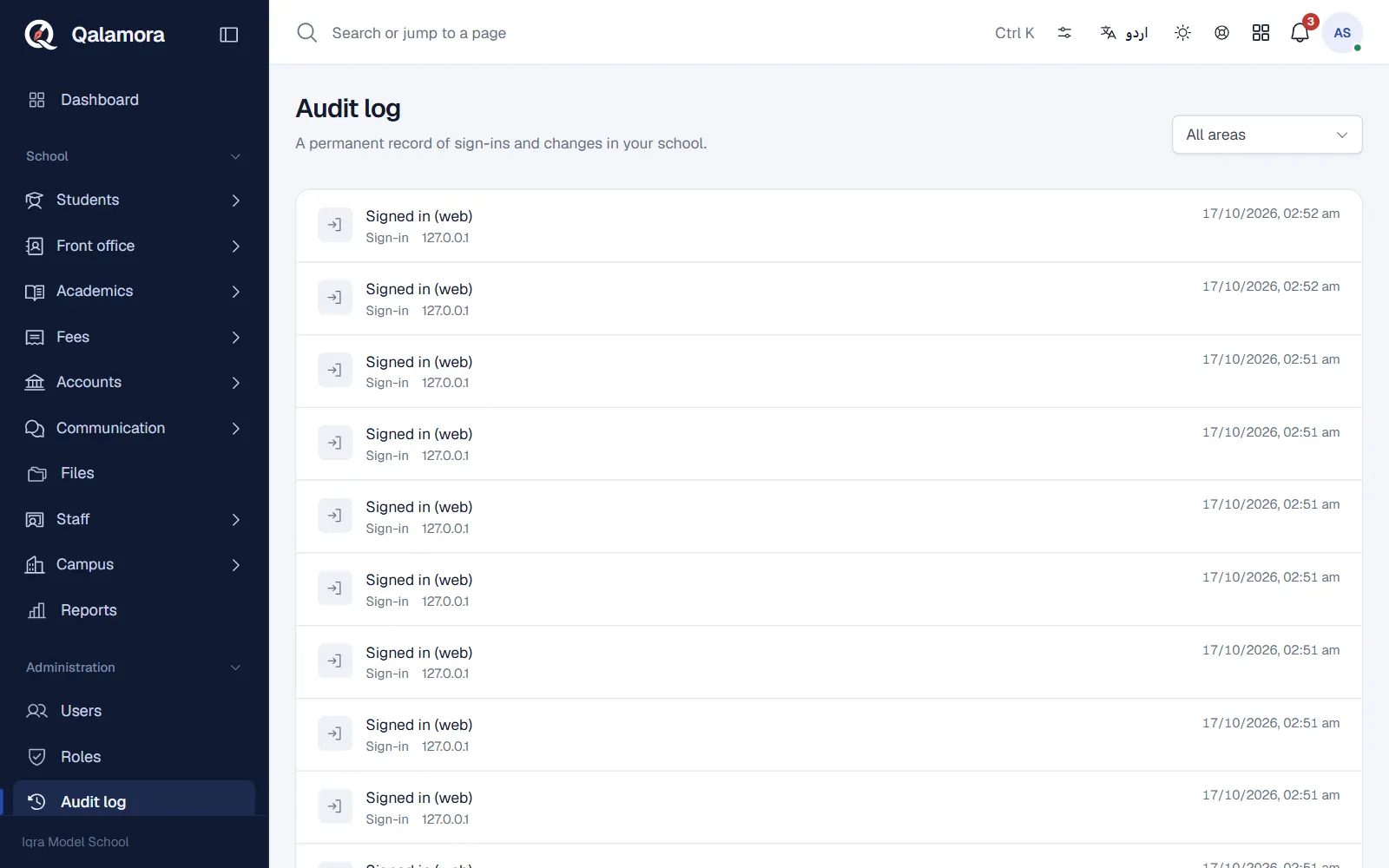
The audit log is a permanent record of sign-ins and changes in your school. It answers questions such as "who printed this challan" or "who changed this student's B-Form number". Owners and principals open it from Audit log in the administration menu.
What is recorded
- Sign-in: signed in on the web or in the app, failed sign-in attempts, signed out, password changed, two-factor turned on or off, wrong two-factor codes, recovery codes used.
- Users: users added or changed, roles changed.
- Modules: modules turned on or off.
- Student records: guardian links changed; CNIC, B-Form or medical notes changed.
- Printouts: every printout requested and downloaded.
- Money: challan and voucher change requests and their decisions.
- Support: every Qalamora support session, with its mode and time.
Each entry shows When, What happened, the Area and the IP address. Filter by area to find what you need.
What is not recorded
The log stores record numbers, not personal details, so it never becomes a second copy of your students' data. Entries cannot be edited or deleted by anyone in the school.
مشورہ
Check the failed sign-in attempts now and then. Many failures for one login can mean someone is guessing a password; ask that person to change it.
Related
کیا یہ صفحہ مفید تھا؟
سن کر خوشی ہوئی۔ آپ کا جواب کہیں بھیجا یا محفوظ نہیں کیا جاتا۔
معذرت۔ ہمیں بتائیں کیا کمی تھی، ہم یہ رہنمائی بہتر کریں گے۔ ہمیں بتائیں