On this page
Homework in Qalamora replaces the note in the diary that never reaches home. A teacher posts it once, parents and students see it in their login, and the teacher ticks off who handed it in.
Post homework
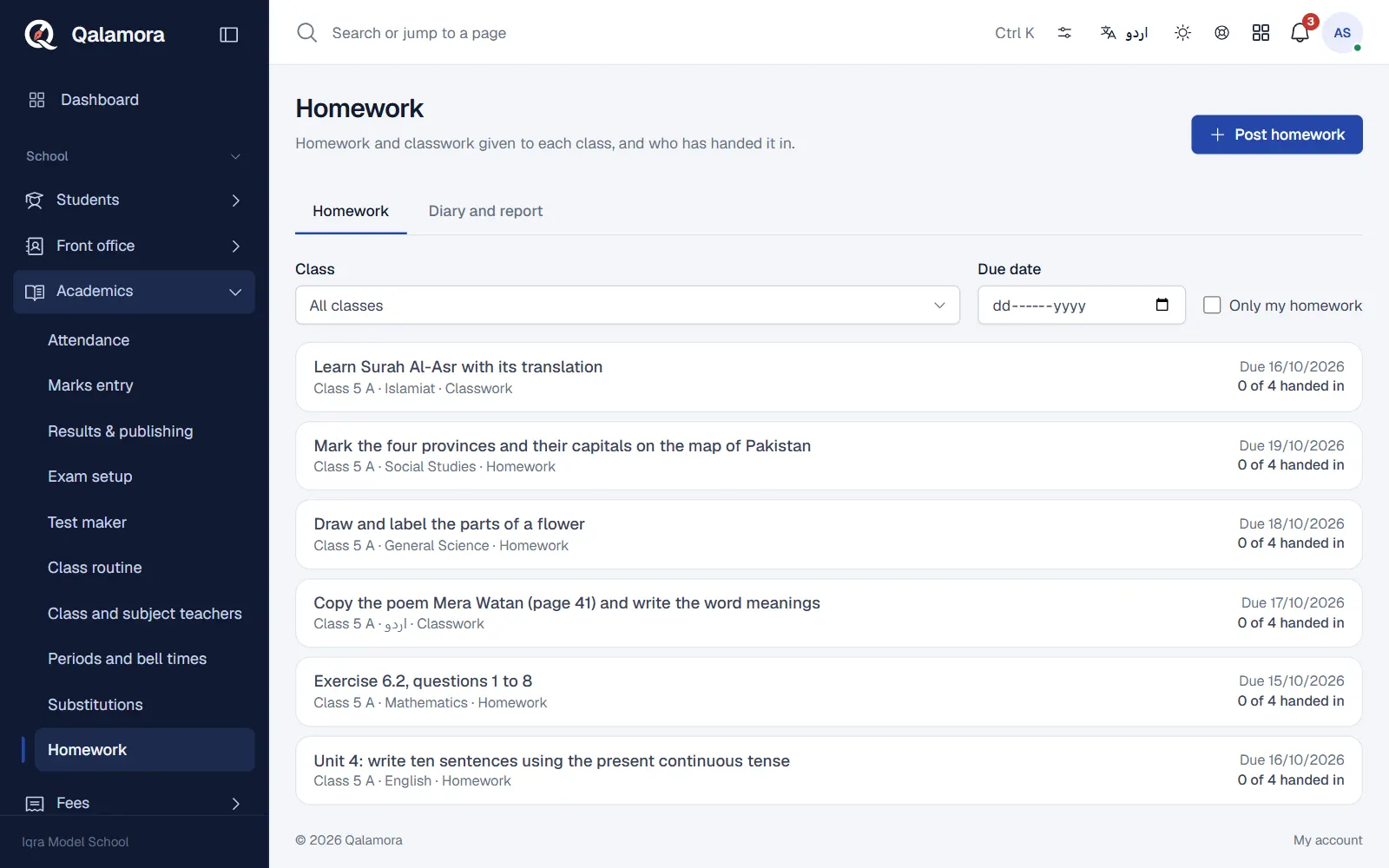
- Open Homework. Teachers can tick Only my homework to see their own.
- Click Post homework.
- Choose the class and subject. Teachers only see the classes and subjects they are assigned to in Academics > Teachers.
- Fill it in. Choose the Type (Homework or Classwork), the Title, the Details and the Due date.
- Click Post. Parents and students are notified.
Check who handed it in
- Open the homework from the list. The Class list shows every student.
- Set each student to Not submitted, Submitted or Checked, and add a Remark if needed. Mark all not-yet-handed-in as submitted saves time in a class where most did it.
- Click Save changes. Parents see the status and the teacher's remark.
The list shows how many handed it in, for example "28 of 34 handed in".
Families
Parents and students open My homework to see what is due and whether it was handed in. A parent with more than one child can filter by child.
Note
If a teacher sees "You are not assigned to any class and subject yet", the principal must set their teaching in Academics > Teachers.
Related
Was this page helpful?
Good to hear. Your answer is not sent or saved.
Sorry about that. Tell us what was missing and we will improve this guide. Tell us