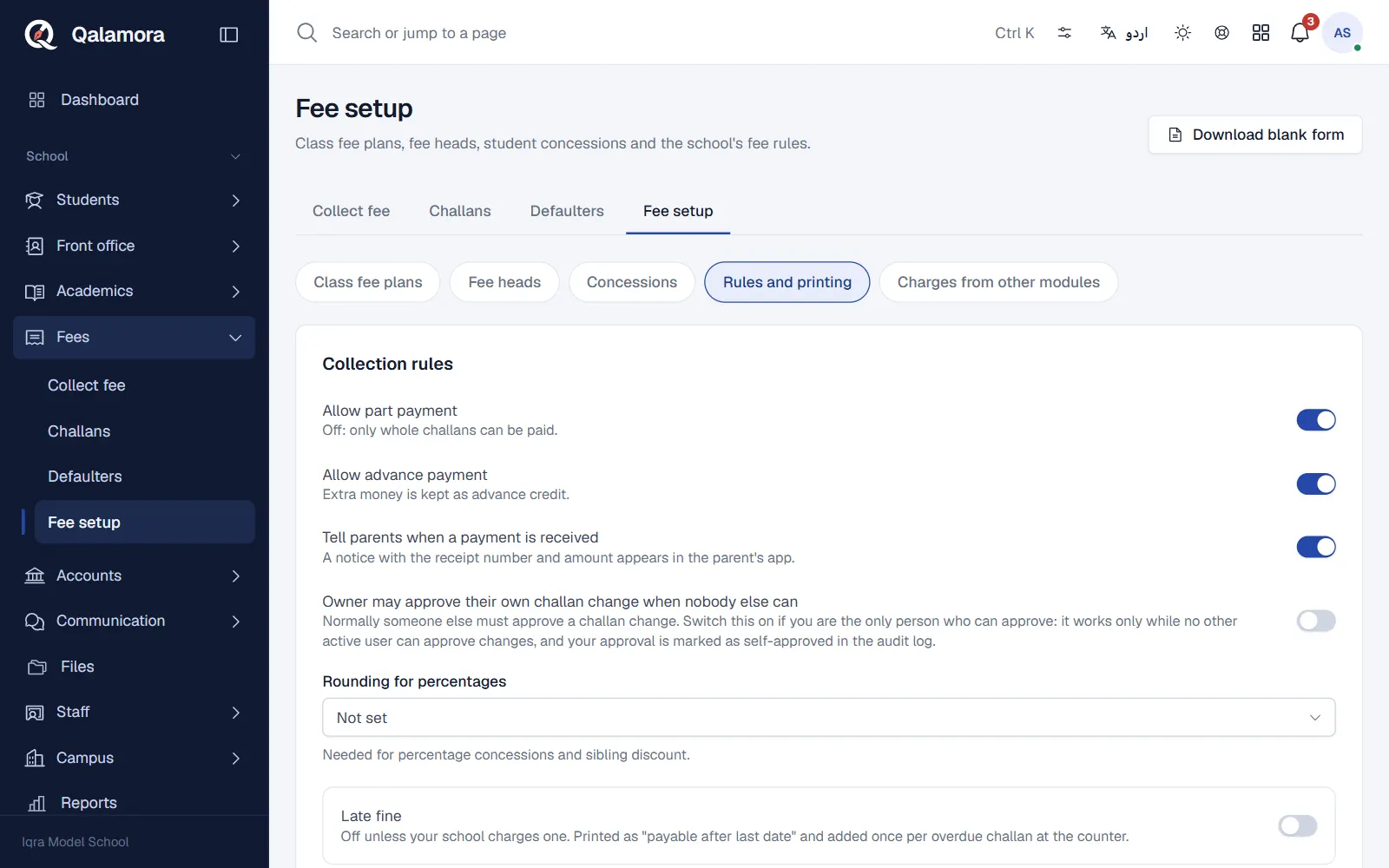
Every school prints challans differently. Some use three bank copies on one sheet, some hand a single slip to the student. You set the school default once in Fees > Fee setup > Rules and printing, and anyone printing can still pick another paper from the Paper menu.
Steps
- Open Fees > Fee setup > Rules and printing. Scroll to Challan printing.
- Enter the bank details. Bank name, Collection account / IBAN and Branch are printed on the bank challan. Add Instructions printed on the challan if you want a line such as where to pay.
- Pick the challan paper. Under Challan paper choose a layout from the list below. A small drawing shows how the sheet will look.
- Choose what is printed. Switch on or off: Bank details, Amount after last date (fine), Arrears from earlier months, Amount in words and School logo.
- Name the copies. In Copies and notes set each copy's name and a short note in English and Urdu.
- Save. The next printout uses the new layout.
Available layouts
Bank challan with copies (bank, school and student copies on one sheet, cut apart after payment):
- A4 landscape, 3 copies
- A4 portrait, 3 copies
- Legal landscape, 4 copies
- Letter landscape, 3 copies
Single copy: A5 and A4.
Student slip with office stub (one copy for the student; the office cuts off the stub when the fee is paid): slips on A4, A5, A6 or half letter, slips for 80 mm or 58 mm receipt printers, or a custom size in millimetres. For A4 slips you choose how many slips fit on each sheet.
Receipts have their own setting, Receipt paper, which includes Receipt printer 80 mm and Receipt printer 58 mm.
Other printing options
- Valid for days after last date: leave it empty to accept challans only until the last date.
- 1Bill / Kuickpay prefix: optional digits given by your collection partner.
نوٹ
Printouts are black and white so they copy clearly. Urdu labels use an embedded Nastaliq font, so they look the same on every printer.
Related
کیا یہ صفحہ مفید تھا؟
سن کر خوشی ہوئی۔ آپ کا جواب کہیں بھیجا یا محفوظ نہیں کیا جاتا۔
معذرت۔ ہمیں بتائیں کیا کمی تھی، ہم یہ رہنمائی بہتر کریں گے۔ ہمیں بتائیں