اس صفحے پر
Parents still fill paper forms at the counter. Qalamora prints them for you with your school's letterhead, so you do not need a separate printing press job or a Word file.
Steps
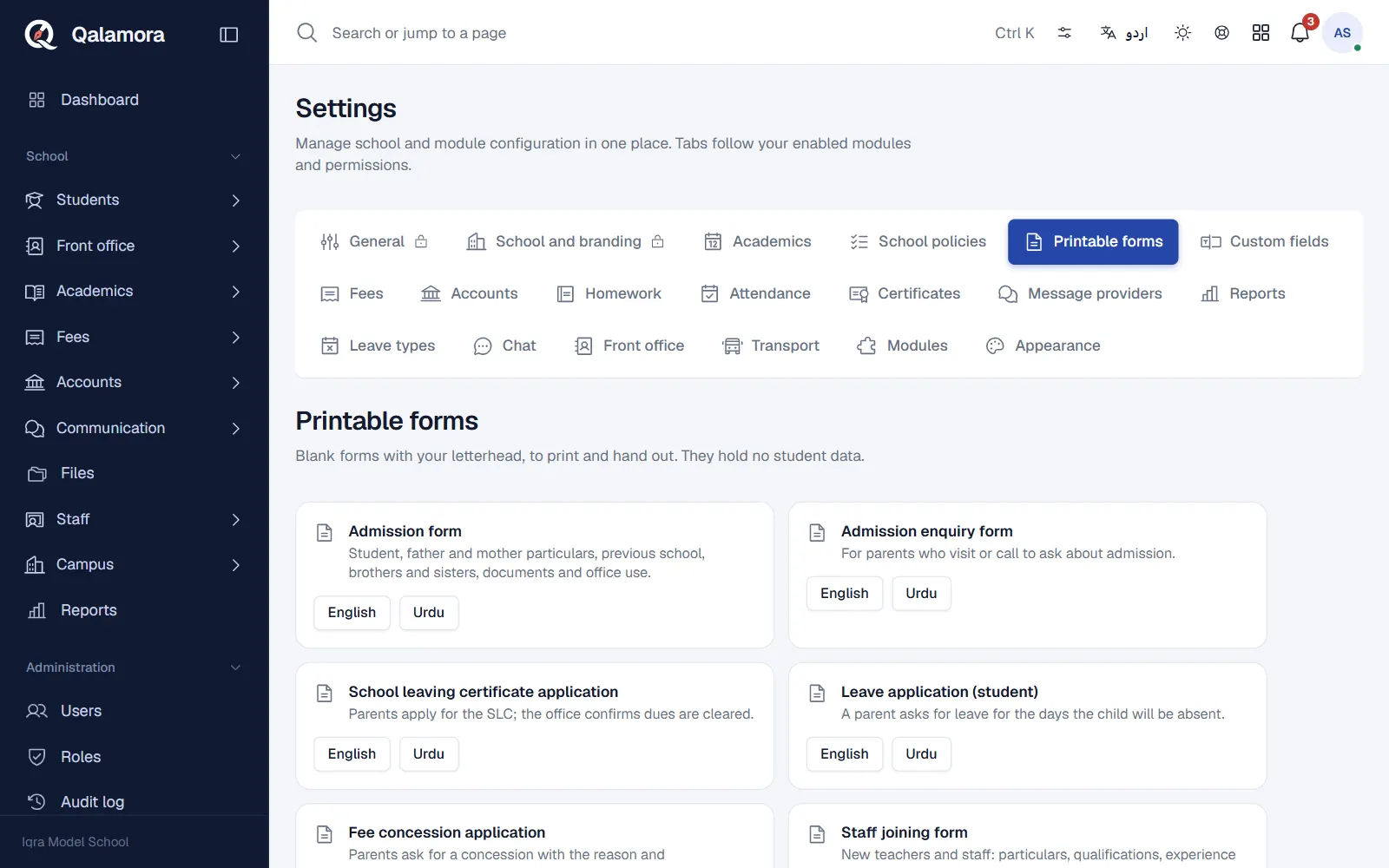
- Open Settings > Printable forms.
- Find the form. Each form shows a short description of what it is for.
- Choose the language. Pick English or Urdu.
- Click Download blank form. The PDF opens; print as many copies as you need.
Forms available
- Admission form: student, father and mother particulars, previous school, brothers and sisters, documents and office use.
- Admission enquiry form: for parents who visit or call to ask about admission.
- School leaving certificate application: parents apply for the SLC; the office confirms dues are cleared.
- Leave application (student): a parent asks for leave for the days the child will be absent.
- Fee concession application: parents ask for a concession with the reason and family income.
- Staff joining form: particulars, qualifications, experience and bank account of new staff.
- School transport form: parents ask for van or bus service with the pick-up address.
- Library membership form: a library card with the library rules.
You see only the forms for areas you have access to, and module forms appear only when that module is switched on.
Filled forms
Blank forms hold no student data. To print a filled admission form for a student, open the student's profile and click Print admission form.
مشورہ
Choose which sections appear on the admission form, the letterhead and the declaration in Letterhead and printout settings.
Related
کیا یہ صفحہ مفید تھا؟
سن کر خوشی ہوئی۔ آپ کا جواب کہیں بھیجا یا محفوظ نہیں کیا جاتا۔
معذرت۔ ہمیں بتائیں کیا کمی تھی، ہم یہ رہنمائی بہتر کریں گے۔ ہمیں بتائیں