اس صفحے پر
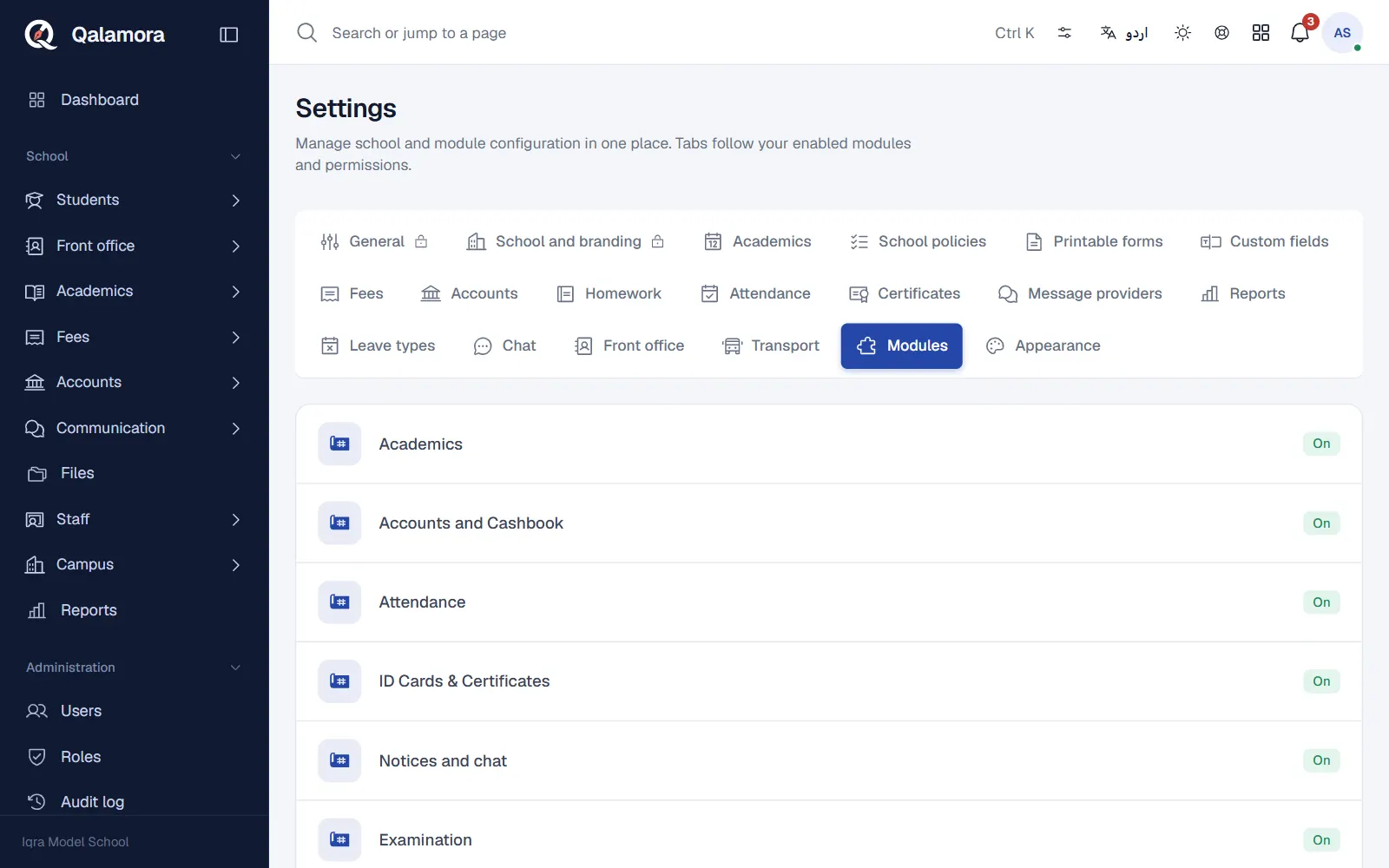
Qalamora is made of parts called modules: Fees, Accounts and Cashbook, Attendance, Examination, Transport, Library and others. Switch on only the ones your school uses, so the menu stays short. The school owner switches modules on and off; other staff can see which ones are on.
Steps
- Open the modules list. Go to Settings > Modules.
- Find the module. Each row shows the module name, whether it is in your plan, and which other modules it Needs.
- Switch it on or off. Use the switch at the end of the row. A message confirms, for example "Transport turned on".
- Check the menu. The module's pages appear in the side menu, and if it has its own settings they appear as a new tab in Settings.
Things to know
- Turning a module off keeps its data. Its menu items, pages and permissions are hidden. Switch it back on and everything is still there.
- Some modules need others. A module that Needs another can only be switched on when that one is on, and the needed module cannot be switched off while another module depends on it.
- Not in your plan. A module marked Not in your plan cannot be switched on. To use it, move to a plan that includes it. See Plans and your subscription.
- Permissions come back too. Permissions of a switched-off module stay on each role and return when the module is switched on again.
مشورہ
Start with Fees, Attendance and messages. Add others, such as Transport or Library, when the office is comfortable with the basics.
Related
کیا یہ صفحہ مفید تھا؟
سن کر خوشی ہوئی۔ آپ کا جواب کہیں بھیجا یا محفوظ نہیں کیا جاتا۔
معذرت۔ ہمیں بتائیں کیا کمی تھی، ہم یہ رہنمائی بہتر کریں گے۔ ہمیں بتائیں